Aitoma resources
Recursos en español: guía de revisión y caso NAIARA →
A clearer
next move.
Know what to create. See what good looks like.
Learn how to get there.
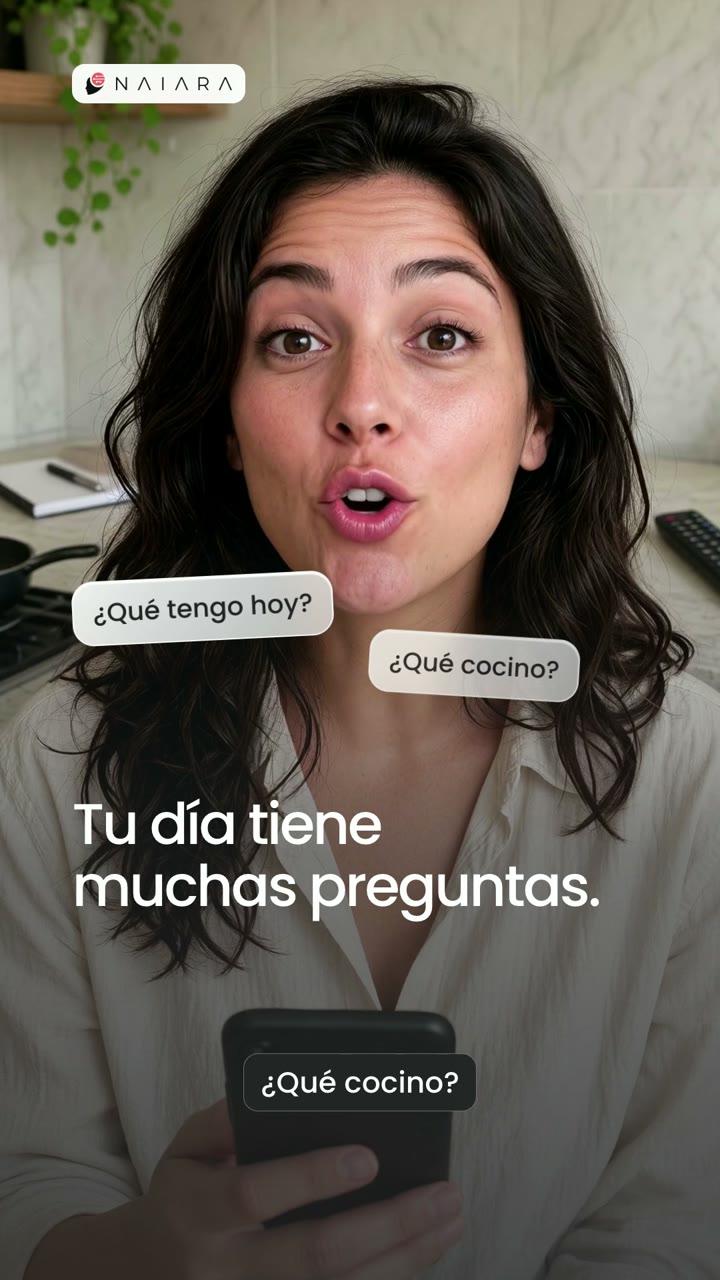
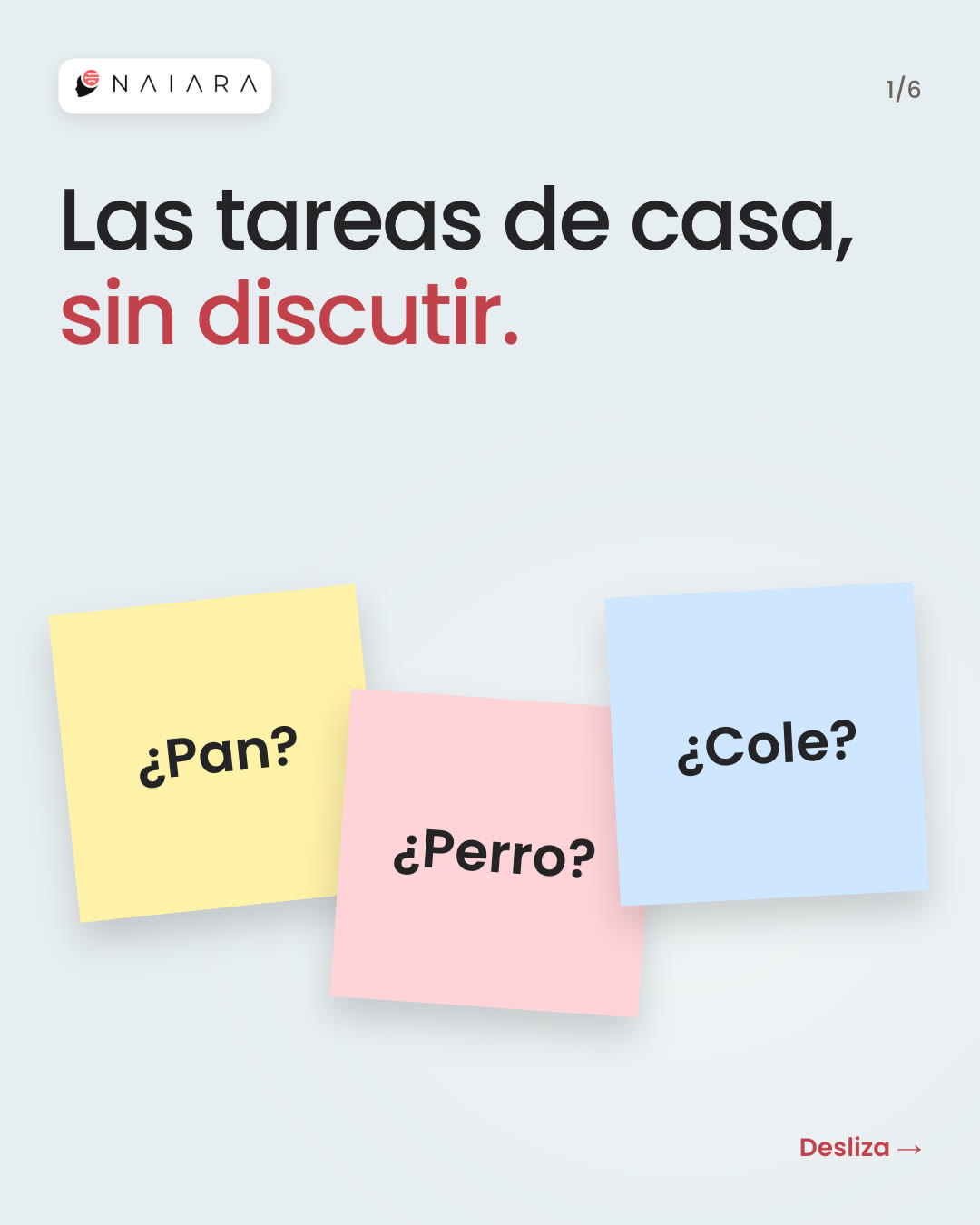 63 final pieces approved
 A month of content for NAIARA.
Find your next useful move.
Practical guides, finished examples, and tools you can use right here.
Follow new resources via RSS. Add the feed URL to your reader to follow guides, templates, tools and examples.
How to Review AI Product Images Before Publishing
Check the product, packaging, variant and crop before using an AI image. Includes a worked coffee example and a downloadable review record.
Explore →Research noteA citation is only the first check
Four selected ChatGPT and Gemini observations show why brand mentions, source destinations, current facts and unbranded discovery need separate checks.
Explore ProductAI Social Media Content Creation
Turn your brand and audience research into social images, carousels, and edited videos. Explore finished examples and review content before publication.
Explore ProductAI Ad Creative Generator for Images & Video
Create image ads and edited video creative with Aitoma. Explore finished examples, prepare your product brief, and review the creative before your next test.
Explore Customer storyNAIARA: 63 Content Pieces Approved
See the 19 videos, 11 carousels, 3 images, and 30 stories created for NAIARA’s Spanish market through an assisted AI workflow and approved by the client.
Explore GuideWhat Should Your Business Post on Social Media?
Build a useful content plan from customer questions, objections, and product proof. Follow a worked seven-post example and choose what to create next.
Explore GuideHow to Create AI Videos You Can Actually Publish
A practical workflow for scripting, creating, editing, and checking AI videos, with a worked storyboard, finished examples, and a usable quality checklist.
Explore Use caseAI Content Creation for Ecommerce Brands
Turn product details into a useful mix of image ads, short videos and carousels. See finished examples and a practical ecommerce content workflow.
Explore Use caseAI Content Creation for Software & App Businesses
Explain your software through specific use cases, product visuals and edited videos. Explore an app customer story and a presenter-style example.
Explore Buying guideAI Content Software vs Freelancer vs Agency
Compare control, review work, skills and delivery when choosing AI software, a freelancer or an agency for content production. Includes a scope worksheet.
Explore GuideHow to Keep AI Content Consistent with Your Brand
Build a practical brand reference, protect product details and review images, videos and carousels against one shared set of rules.
Explore GuideCreative Fatigue: When Should You Refresh an Ad?
Diagnose a declining ad before replacing it. Compare exposure, response and conversion signals, rule out broken destinations, and write a focused creative refresh brief.
Explore →GuideHow to Test Ad Creatives with a Clear Hypothesis
Plan a creative test with a defined question, controlled changes, a primary outcome and a decision rule. Includes an illustrative coffee-brand example.
Explore GuideTurn Customer Questions into Content Ideas
Use customer questions and objections to write specific content briefs. Follow a worked question-to-post method with coffee and software examples.
Explore Free templateFree Social Media Content Calendar Template
Edit a four-week content calendar with coffee-brand or software examples. Add dates, change ideas and download your plan as a CSV. No signup required.
Explore Free templateFree Creative Brief Template & Builder
Write a focused creative brief with an audience, message, evidence, format and review criteria. Edit a worked example and copy or download your brief.
Explore Free templateFree Ad Creative Testing Plan Template
Build a creative testing plan with a hypothesis, control, variant, measurement definition and review rule. Download a blank worksheet or your edited plan.
Explore Creative breakdownAI Presenter Video Example: SimpleStudy Breakdown
See how a presenter-style software video combines an opening question, product screens, readable captions and a clear next step.
Explore Creative breakdownCoffee Brand Carousel Example: Three Slides Explained
Explore a complete three-slide coffee carousel. See how the opening, sensory detail and product close work together, with a reusable slide outline.
Explore Use caseProduct Videos from Existing Brand Assets
Turn product photography and approved references into a clear video brief. See what to supply, what needs footage, and how to review the result.
Explore Use caseContent Production for a Small Marketing Team
Organize a practical content workflow when you do not have a dedicated editor. Define the brief, approval owner, review queue, and production handoff.
Explore ProductAI Carousel Creation: From Message to Finished Slides
Plan a complete carousel with one idea per slide. Explore coffee and real client examples, source requirements, and a slide-by-slide review workflow.
Explore ProductAI UGC-Style & Presenter Videos
Explore edited AI UGC-style videos with scripts, product scenes and captions. See finished Aitoma examples, what to provide, and how creative review works.
Explore ProductCreative Informed by Your Brand and Customer Questions
Connect brand references and audience questions to a specific creative brief. See a worked research-to-message example and how to keep claims traceable.
Explore Use caseContent for Different Languages and Markets
Plan localized creative with language, voice, product, and destination checks. Explore Spanish NAIARA examples and a practical market review workflow.
Explore Buying guideAitoma vs Holo: Scope, Evidence, and What to Test
Compare Aitoma’s visible creative workflow with Holo’s publicly described marketing scope. Includes source links, limitations, and a reproducible buyer trial.
Explore Buying guideAitoma vs Creatify: Video Workflow, Revisions and Cost
Compare Aitoma and Creatify’s documented creative workflows, review responsibilities and revision costs. Includes a practical same-brief video trial.
Explore Buying guideAitoma vs Mako: A Practical Creative Workflow Comparison
Review the overlap in Aitoma and Mako’s public positioning, current source notes, and a fair evaluation brief for finished content quality and review work.
Explore Buying guideAI Video Tools vs a Connected Content Workflow
Decide whether you need a specific production tool or help across research, briefing, creative preparation, and review. Map the handoffs before buying.
Explore Buying guideAI Presenter vs Human Creator: Which Fits Your Video?
Compare explanation, genuine experience, filming needs, creative control, and review work when choosing an AI presenter or a human creator.
Explore Buying guideContent Subscription vs Per-Project Production
Compare recurring and project-based content work using scope, usable deliverables, revisions, and your own costs. Includes a transparent worked example.
Explore Buying guideIn-House Content vs External Production Support
Assign brand knowledge, production, review, and accountability when building an internal, external, or hybrid content team. Includes a responsibility matrix.
Explore Buying guideHow to Evaluate an AI Content Platform
Run a repeatable trial with the same brief, source assets, review criteria, and time log. Assess the complete export and the work required to approve it.
Explore GuideHow to Write a Short Product Video Script
Write a product video with a single promise, visible support, and a clear ending. Includes an original 15-second coffee script and scene plan.
Explore GuideHow to Storyboard a Software Explainer
Build a software video around one task and accurate product screens. Includes a scene plan, a screen capture checklist, and an editable storyboard.
Explore GuideHow to Make Short Video Captions Readable
Review caption length, contrast, timing, line breaks, and placement on a phone. Includes a worked caption edit and a practical export check.
Explore GuideHow to Review an AI Voiceover
Check wording, pronunciation, delivery, consistency, and the final audio mix. Use a pronunciation reference and a timestamped correction request.
Explore GuideHow to Give Creative Feedback That Can Be Acted On
Turn vague feedback into a specific correction with a location, reason, requested change, and acceptance check. Includes worked video and carousel examples.
Explore GuideHow to Adapt One Message into an Image, Video, and Carousel
Keep the same brand idea while giving each format a distinct job. Follow a coffee example from core message to image, reel, and carousel briefs.
Explore GuideWhat to Do When an Ad Creative Test Is Inconclusive
Check measurement, uncertainty, and experiment design before choosing a winner. Includes clearly fictional data and a practical next-test decision log.
Explore GuideHow to Measure Content Production and Approval Time
Separate hands-on work, generation, quality review, and approval waiting time. Use a timestamped example and a transparent measurement sheet.
Explore GuideBrand Reference Library & Asset Inventory Template
Organize current brand assets, source records, usage decisions and versions. Includes a worked coffee example and free blank asset inventory CSV.
Explore GuideTurn a Product Feature into a Useful Customer Story
Connect a feature to a recognizable situation, a visible action, and one next step. Includes a NAIARA example without inventing customer results.
Explore GuideShould This Idea Be an Image, Carousel, or Video?
Choose a content format around the job the message needs to do. Use an interactive decision aid and compare evidence, sequencing, and production tradeoffs.
Explore Free templateFree Video Storyboard Template and Scene Planner
Plan visuals, spoken words, captions, source assets, and review criteria in one editable storyboard. Copy or download your completed scene plan.
Explore Free templateCreative Review Template: Video, Images & Carousels
Record source checks, defects, revisions, and approval in an editable multi-format review worksheet. Export a usable handoff without signing up.
Explore Free templateFree Brand Reference Pack Template
Prepare the brand facts, asset references, wording rules, and approval owners your creative team needs. Edit an example and download your pack.
Explore Free templateFree Customer Question Log and Content Decision Template
Capture a customer question with its source, context, evidence, and content decision. Turn useful questions into traceable briefs with an editable worksheet.
Explore Free templateContent Production Workload Calculator
Estimate production, review, revision, and coordination hours from your own assumptions. Compare two workflows with transparent arithmetic and CSV export.
Explore Creative breakdownWoofing App Video: A Five-Scene Creative Breakdown
Inspect the supplied Woofing creative, from the pet-led opening to app screens and the final brand scene. See how several features share one story.
Explore Creative breakdownNAIARA Introduction Video: Spanish Creative Breakdown
Explore a real NAIARA client video with an English explanation of its opening, app reveal, characters, and close. Watch the Spanish original.
Explore Creative breakdownNAIARA Character Video: Explaining Product Personality
See how a Spanish NAIARA video explains character names, voices, and personalities through product views and a simple visual sequence.
Explore Creative breakdownNAIARA Carousel: Five Slides from Question to Next Step
Explore the five-slide Spanish client carousel with English summaries, narrative decisions, and practical review notes for a software introduction.
Explore Creative breakdownCoffee Image Ad: Layout and Message Breakdown
Inspect the headline, product photograph, visual hierarchy, and invitation in an illustrative coffee image ad. Includes a reusable review outline.
Explore Creative breakdownCoffee Reel: Presenter, Product Choice, and Brand Close
Watch an illustrative coffee reel and inspect its presenter opening, product choices, pouring scene, and ending. See what to reuse in your own brief.
Explore About AitomaAbout Aitoma: AI Marketing Agent for Brands
Aitoma is an AI marketing agent founded by Maxence de Damas. Find the official product, finished creative examples, free resources and contact information.
Explore About AitomaHow Aitoma Presents Creative Work and Evidence
Understand the roles of source material, AI production, quality review, and human approval, plus how Aitoma labels examples, customer work, and results.
Explore Example collectionFinished Creative Examples and Editing Breakdowns
Browse product videos, presenter-style creative, image ads, carousels, and real NAIARA client work. Watch the finished assets and explore the choices behind them.
Explore Free toolVideo Script Timer: Estimate Voiceover Length
Estimate narration duration from your script, speaking pace, pauses, and end-card hold. Adjust a worked 15-second example and copy your timing notes.
Explore Free toolCost per Approved Creative Calculator
Calculate production cost per approved asset using your own cash costs, human time, and accepted deliverables. See how revisions and rejected outputs affect cost.
Explore GuideCreative Handoff: Approved Files & Versions
Package approved videos, carousel slides, captions, destinations, and version notes so a publisher knows exactly what is ready. Includes a worked file manifest.
Explore GuideHow to Keep Product Claims Accurate in AI Content
Trace each product claim to a current source before production. Use a claim ledger, inspect text and visuals together, and resolve unsupported wording before approval.
Explore Free toolCreative Scope Planner: Count Concepts, Formats & Languages
Estimate your production scope from concepts, formats, languages, and variants. Separate content pieces from carousel files and download your assumptions.
Explore Free templateCarousel Slide Planner: Build a Five-Slide Story
Plan a carousel with a clear opening, useful middle, and next action. Edit a worked coffee example, download your outline, or use the blank CSV template.
Explore Free templateVoiceover Pronunciation Brief Template
Give a voice artist or AI production team the names, pronunciation references, language choices, and review decisions needed before recording a full voiceover.
Explore Free templateContent Localization Ledger: Track Meaning, Voice & Approval
Track source claims, translated meaning, product references, voice checks, and final exports across languages with an editable brief and a downloadable ledger.
Explore GuideSoftware Feature Launch Content Plan & Brief
Plan a software feature launch with an editable content brief, a sequence worksheet, and a worked example covering product evidence, access and review.
Explore GuideHow to Make an Accurate Software Demo Video
Plan a software demo around current product captures, explicit prerequisites, and readable edits. Separate illustrative scenes from real interface evidence.
Explore GuideHow to Find and Update Outdated Marketing Creative
Trace product and offer changes to the videos, images, carousels, captions, and destinations that need updating. Includes a practical change-impact table.
Explore GuideAI Content Pilot: Scope, Scorecard & Approval Metrics
Run a useful AI content trial with an editable brief, per-piece scorecard and worked approval calculations. Track revisions and unresolved work clearly.
Explore Free toolVertical Video Layout Preview: Check Crops & Text Placement
Preview a local image or video in a vertical frame, adjust overlay margins, test text placement and download a review image. Your file stays on your device.
Explore Free templateCampaign Learning Log & Creative Brief Template
Record campaign observations, measurement definitions, uncertainty and your next creative brief. Edit a worked example, download your log and continue later.
Explore GuideHow to Turn a Support Answer into a Product Video
Turn a resolved customer question into a useful product video. Follow a worked script and shot plan, preserve important conditions, and download a production brief.
Explore GuideHow to Compare Creative Briefs Before Production
Compare two creative directions against the same audience, message, evidence and review criteria. Use a worked example and export an editable decision record.
Explore Free mini-courseKnow what to post next, and why.
Watch the free introduction to the Aitoma workflow.
Watch the tutorialNo matching resources. Try a different search or choose All.
Your brand has a next move.
See your audience, what to say, and ideas worth creating in your free brand playbook.