Three slides.
One recognizable brand.
A complete coffee-brand carousel with an opening promise, a sensory detail, and a product close. Inspect the slides and adapt the sequence.
The Daily Ritual is an illustrative brand. These are creative examples, not customer results.
Explore the edit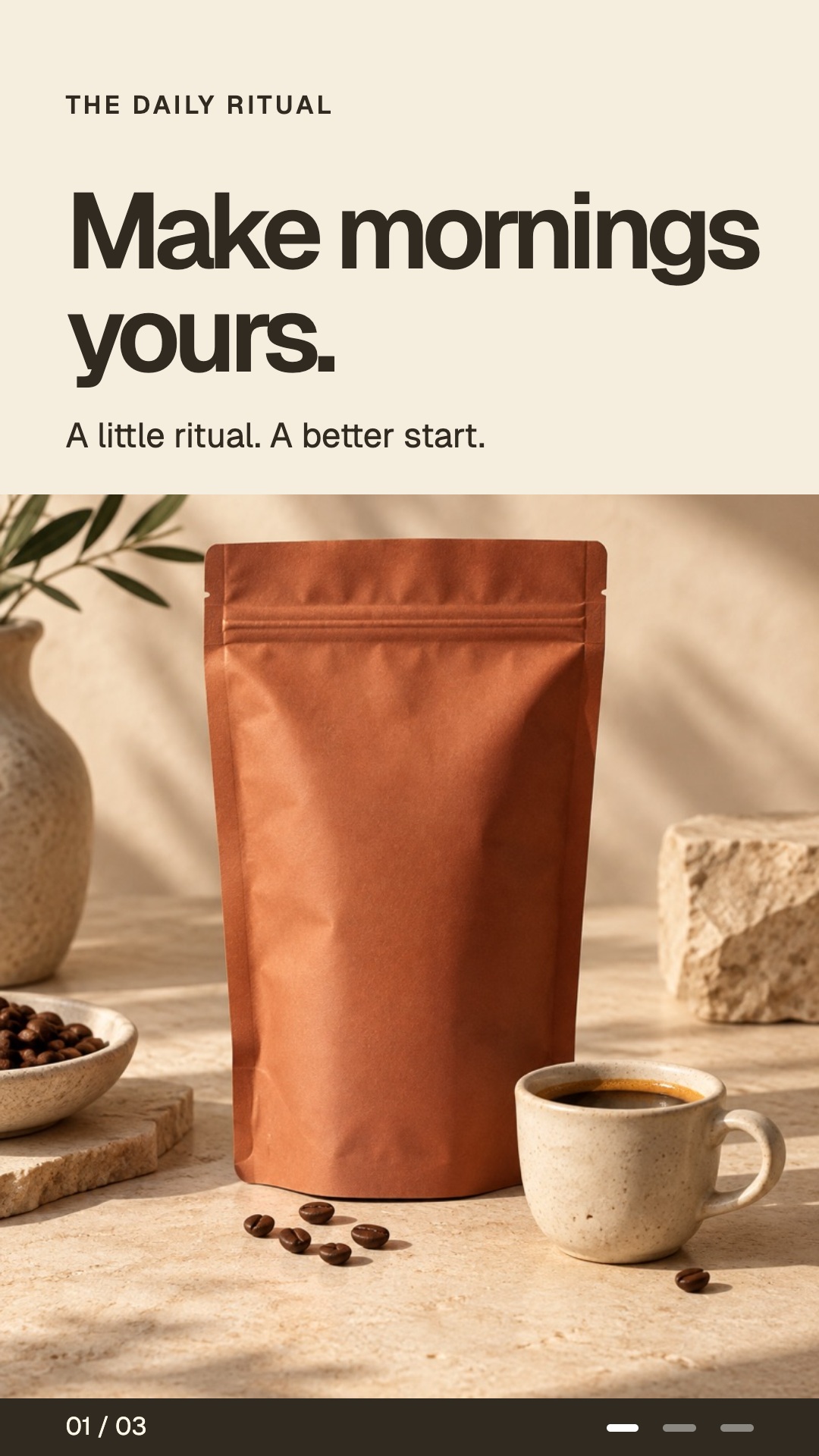


File details 3 slides · 1080 × 1920 px
- Files
- 3 JPEG images
- Dimensions per image
- 1080 × 1920 px
Measured from the web preview files shown here. Confirm your production export requirements in the brief.
Download creative example file details (CSV). Includes file sizes and version identifiers.
Make each swipe add something.
Introduce the ritual.
The first slide gives the brand a recognizable morning context. It establishes a mood and a reason to look further.
Change the view.
The tighter pouring image adds visual variety and brings the experience closer. White type sits over the darker image.
Return to the product.
The package and cup make the product recognizable. The final line connects the scene to a next step.
Keep one thread across the sequence.
The three slides stay inside the same coffee world while changing composition. Warm neutral colors, compact typography and related product imagery provide continuity. The darker second slide creates a distinct beat between the lighter opening and close.
A carousel should not need a completely new visual identity on every slide to feel varied. Change the scale, point of view or role of the content while preserving the brand references that matter.
Let the middle earn the swipe.
The middle slide should add information, a demonstration or a new view. Here it changes the viewer’s distance from the product by showing the pour. In an educational carousel, that same position might explain a choice or show a worked example.
If every slide repeats the same claim with a different background, the sequence is longer without becoming more useful. Remove repetitions or replace them with the detail needed to support the message.
Write the outline before designing.
| Slide | Question to answer | Example direction |
|---|---|---|
| Opening | Why should this viewer care? | Introduce a recognizable ritual, decision or problem. |
| Middle | What useful detail moves the story forward? | Show the product in use or explain one important choice. |
| Close | What should they understand or do next? | Resolve the idea, show the product and match the destination. |
Write the text for every slide in one document first. Read it without the images. Check that the sequence makes sense and that the closing instruction follows from what came before it. Then choose imagery that supports each slide’s role.
Review the individual slide and the whole.
Inspect text size, contrast, image crops and the relationship between the text and product. Check the intended destination and avoid placing essential information where interface controls may obscure it.
Read the sequence from the beginning, then inspect the closing slide on its own. A viewer may not study every frame. The product and next step should still be understandable when the close is encountered separately.
For a different real-world example, explore NAIARA’s five-slide carousel. Plan each slide with the editable carousel slide planner, then see how the carousel creation workflow connects the message, design, and review.
Give your next carousel a clear story.
Start with your audience and message in a free brand playbook.