Watch the Woofing app video.
The 15-second Woofing creative connects a pet-led opening with service, shopping, and profile screens before returning to the brand.
Illustrative creative example · No customer or campaign outcome claimed.
Explore the editFile details 15.02 seconds · 720 × 1280 px
- Duration
- 15.02 seconds
- Preview dimensions
- 720 × 1280 px
- File format
- MP4
- Audio
- Audio track included
Measured from the web preview files shown here. Confirm your production export requirements in the brief.
Download creative example file details (CSV). Includes file sizes and version identifiers.
Read the visual sequence.
Representative frames from the finished file. Notes describe the visible edit.

Animals, a soft purple palette, and a short headline establish the emotional subject before the interface.
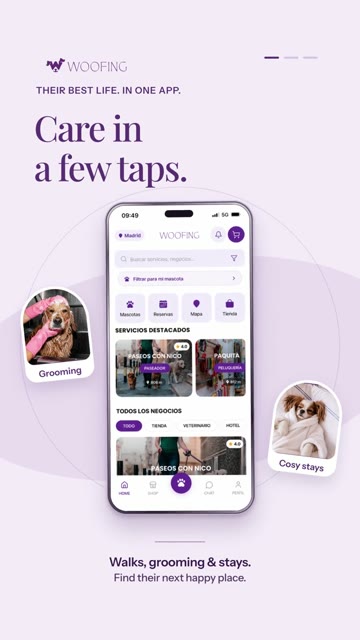
The phone view makes the app visible while the headline gives the scene one job.
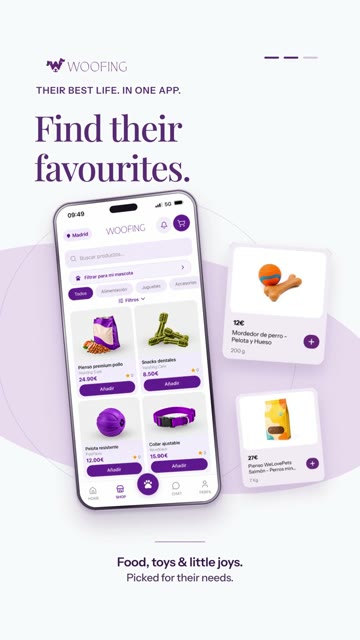
Product tiles and the app view develop a different use case within the same visual system.
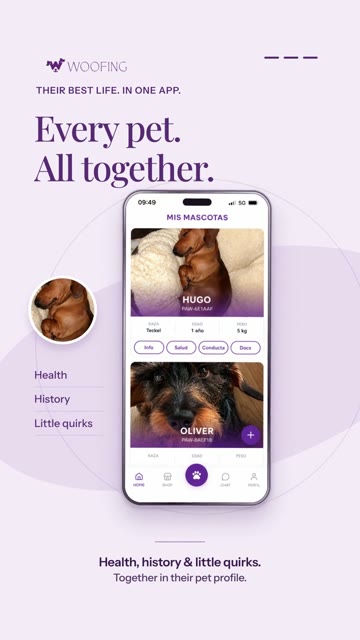
The pet-profile composition focuses the story on the individual animal.
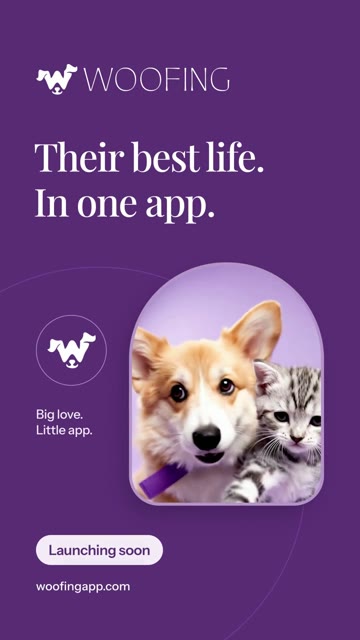
A darker purple close, pet imagery, and the launch invitation give the sequence an ending.
The repeated subject connects the features.
The video changes from care to discovery to a pet profile, but the pet remains the reason for each scene. The repeated phone framing and purple palette help the sequence feel like one product story rather than unrelated screenshots.
This is useful when an app has several capabilities that serve the same audience situation. The creative can introduce the range while keeping each scene focused on one understandable idea. A detailed tutorial would need a different pace and more explicit actions.
The interface is supporting evidence.
The supplied creative contains app views. For a new production, verify the screens against the actual product and confirm every implied feature. This breakdown describes what is visible in the film; it is not an independent audit of Woofing’s current product capabilities.
The close says “Launching soon.” Treat that as wording in the supplied asset, not as a statement about current availability. Any reuse requires a current offer and destination check.
What to reuse in your own brief.
Choose the person or situation that links the features. Give each scene one headline and a relevant product view. Use a consistent visual identity while changing the content enough to develop the story.
Check the full export for readable screen details and competing overlays. Keep the ending separate enough that the viewer can identify the brand and next action. Measure performance separately if the piece becomes a campaign.
Make your next move specific to your brand.
Start with your free playbook: your audience, what to say, and ideas worth creating.